
Das GV17 Torautomatisierungsgerät funktioniert mit Protegus 2
Protegus 2 ist die neue universelle App für Trikdis-Geräte und unterstützt jetzt auch den GV17 Toröffner.
- 2 Min. Lesezeit
- 01.06.2022
- Manufacturer: Trikdis
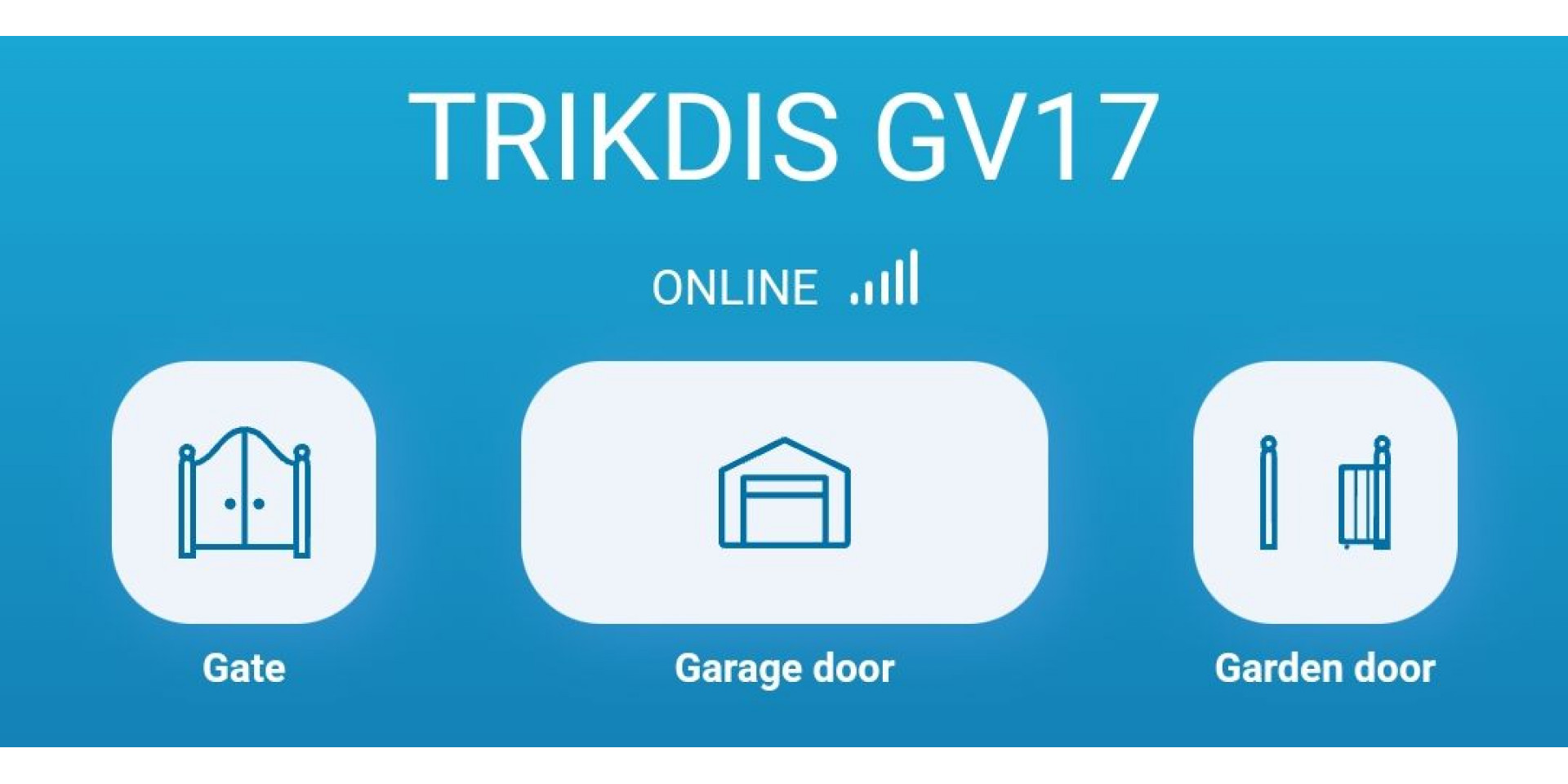
Einer der Hauptvorteile von Trikdis ist der zuverlässige Betrieb und die einfache, schnelle Installation. Daher müssen Trikdis-Installateure nur eine Benutzer-App (Protegus 2), eine Programmiersoftware (TrikdisConfig) und ein Kabel (Mini-USB) für alle Geräte kennen.
Derzeit findet ein Generationenwechsel in der Benutzeranwendung statt. Der nächste Schritt ist, dass die GV17-Versionen mit 2G- und 4G-Modem nun mit der neuen Protegus 2-App verwendet werden können. Die Unterstützung weiterer Geräte folgt bald, und das universelle Protegus 2 ersetzt schrittweise das alte.
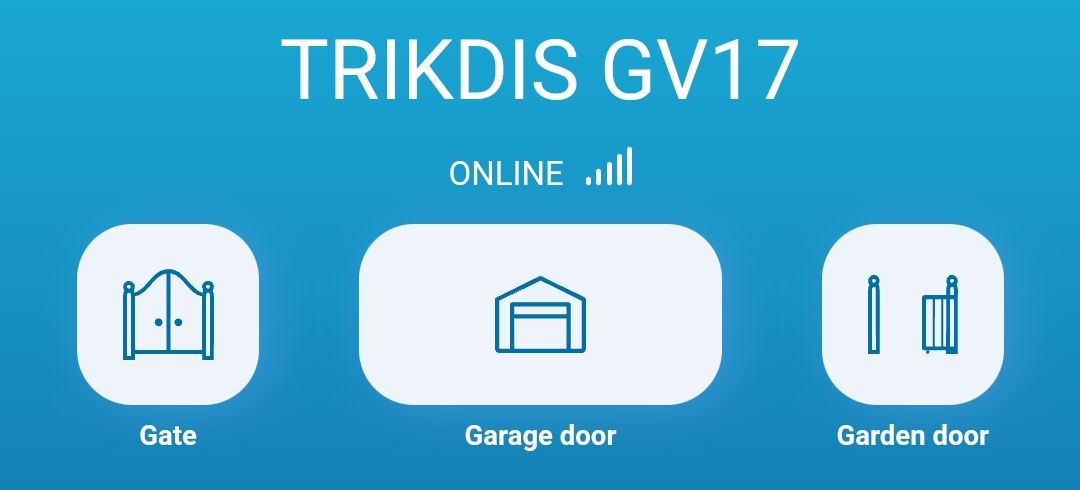
Für ein bestehendes System sind folgende Umstellungsschritte erforderlich:
- GV17 auf FW 2.08 oder höher aktualisieren.
- Protegus 2 herunterladen und registrieren.
- System in der alten Protegus (1) Anwendung löschen.
- System in der neuen Protegus 2 Anwendung anlegen.
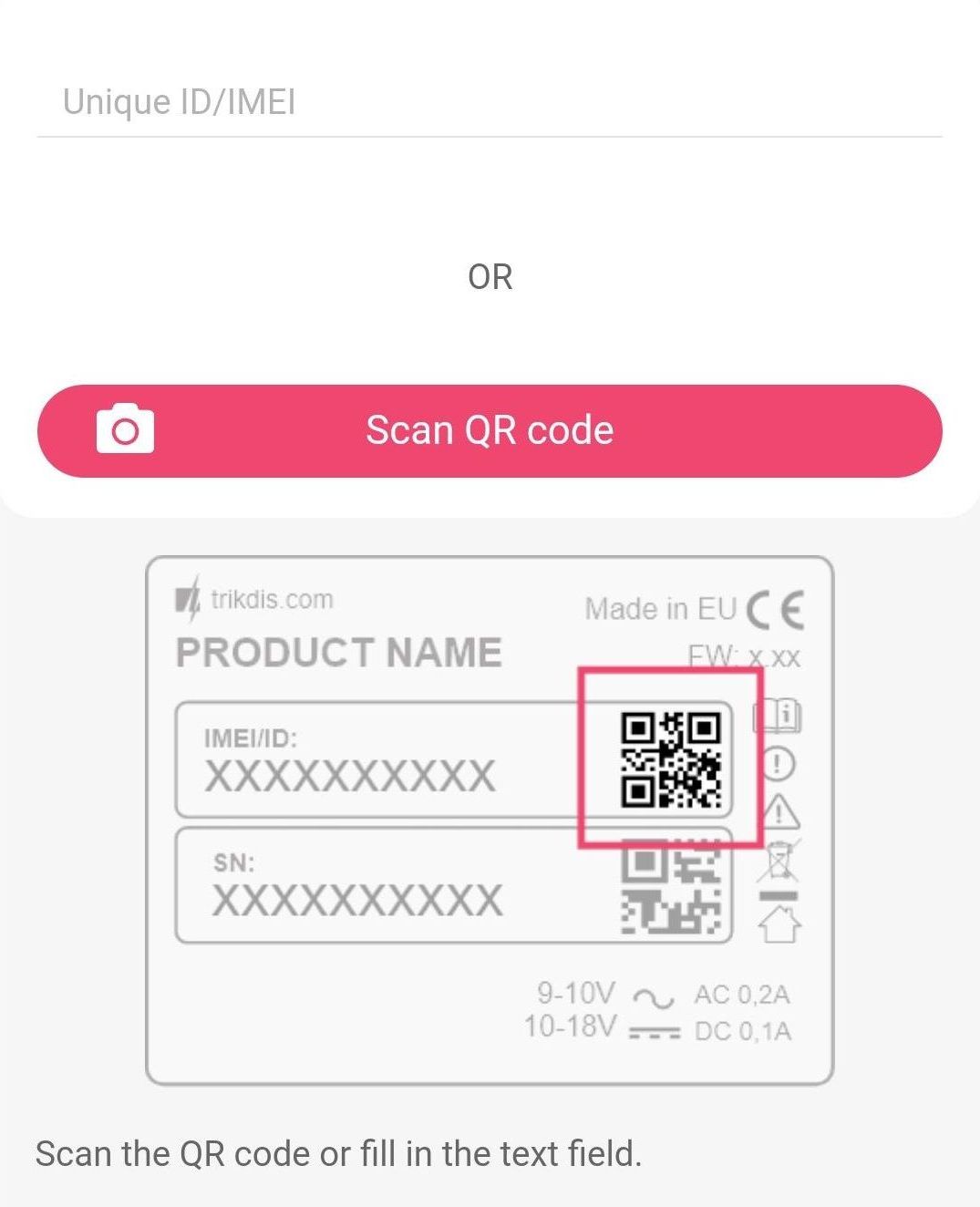
Beim Hinzufügen eines neuen Systems kann der Barcode oder QR-Code auf der Rückseite des Geräts oder auf der Verpackung mit der Kamera Ihres Telefons (oder eines anderen Geräts) eingelesen werden.
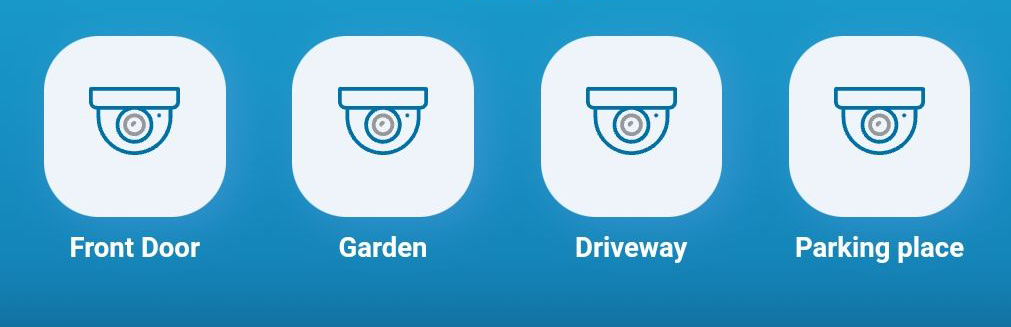
Eine nützliche Funktion ist, dass Sie dem System auch einen Schnellzugriff auf die Live-Streams Ihrer IP-Kameras hinzufügen können.
Hier finden Sie eine Übersicht der TRIKDIS-Benutzeranwendungen und Informationen, mit welchen Geräten diese verwendet werden können.
Tags:
Related Articles
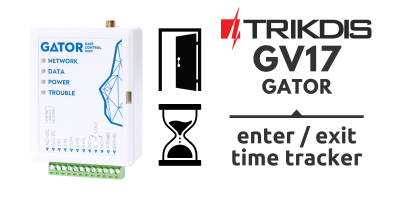
GV17 – Zugangskontroll- und/oder Arbeitszeiterfassungssystem
- 10.02.2023
Das GV17-Gerät und die Protegus 2-App bilden zusammen ein einfaches Zugangskontroll- und/oder Arbeitszeiterfassungssystem.
Read More
Dual-Path-Kommunikation jetzt auch für den GV17 GATOR Torcontroller
- 05.11.2025
Der SIM-basierte Trikdis GV17 GATOR Torcontroller unterstützt jetzt Dual-Path-Kommunikation: WiFi/Ethernet als primärer Kanal mit automatischem GSM-Failover.
Read MoreRelated Products

Trikdis GV17 - GATOR smarter 4G GSM / IP Torcontroller
GATOR 4G-Smart-Torcontroller: Tore, Garagentore oder Schranken per App öffnen, Steuerung über Anruferliste.
€164,90 Netto €134,07